Appearance
Typography
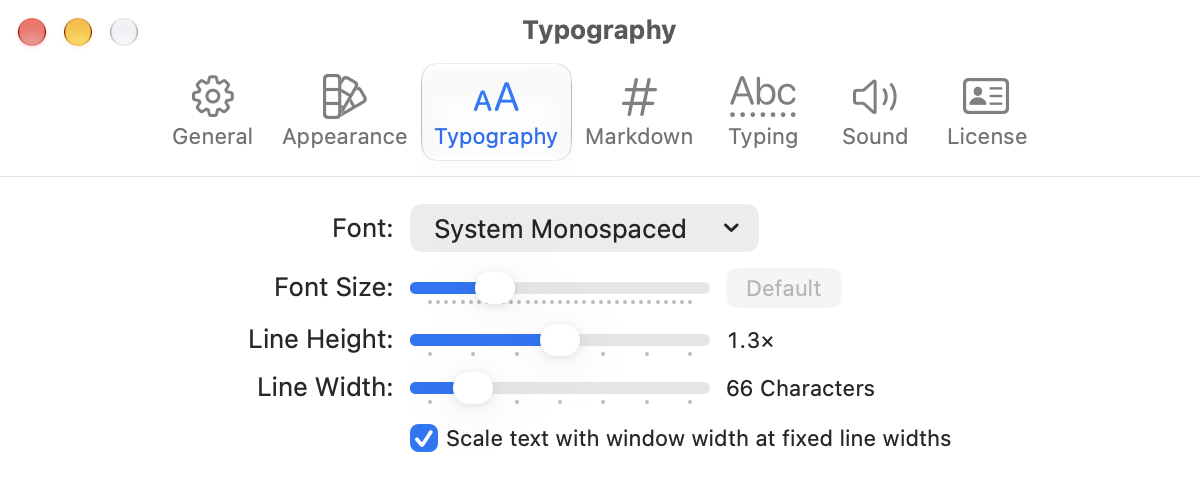
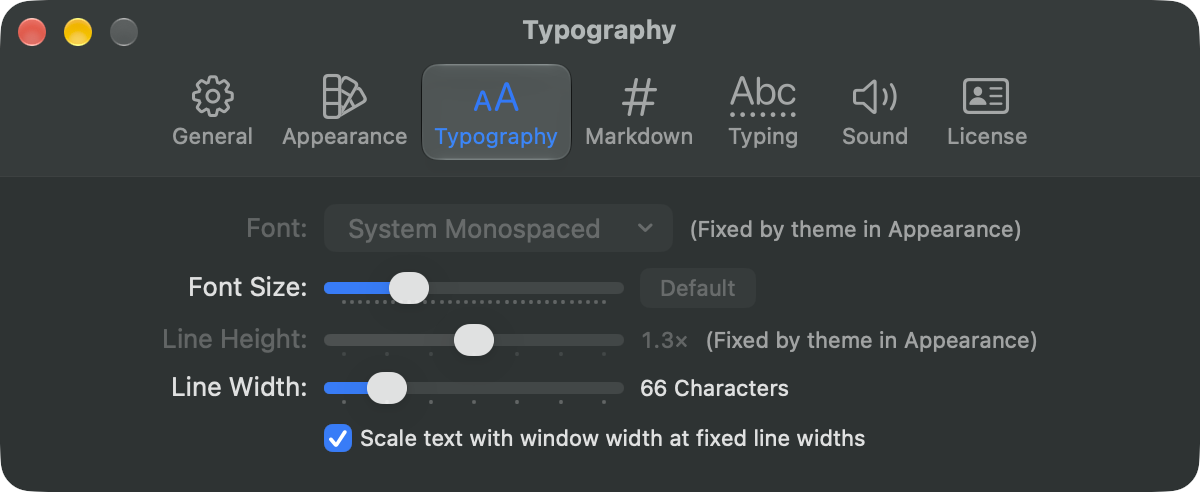
Set the font, size, line height, and line width for every window in WriteRoom > Settings > Typography. To change just the front window, use View > Zoom In, Zoom Out, and Line Width.
Line Width wraps text at the window's edge, or at a fixed number of characters centered in the window. 66 is the default. Scale text with window width at fixed line widths sets the text larger in a wide window, and smaller in a very narrow one.
Some themes set their own font and line height. Then those settings say "Fixed by theme in Appearance". See Using Themes.
To change the front window's text size
- View > Zoom In (Command-+)
- View > Zoom Out (Command--)
- View > Actual Size (Shift-Command-0)