Appearance
Live Preview
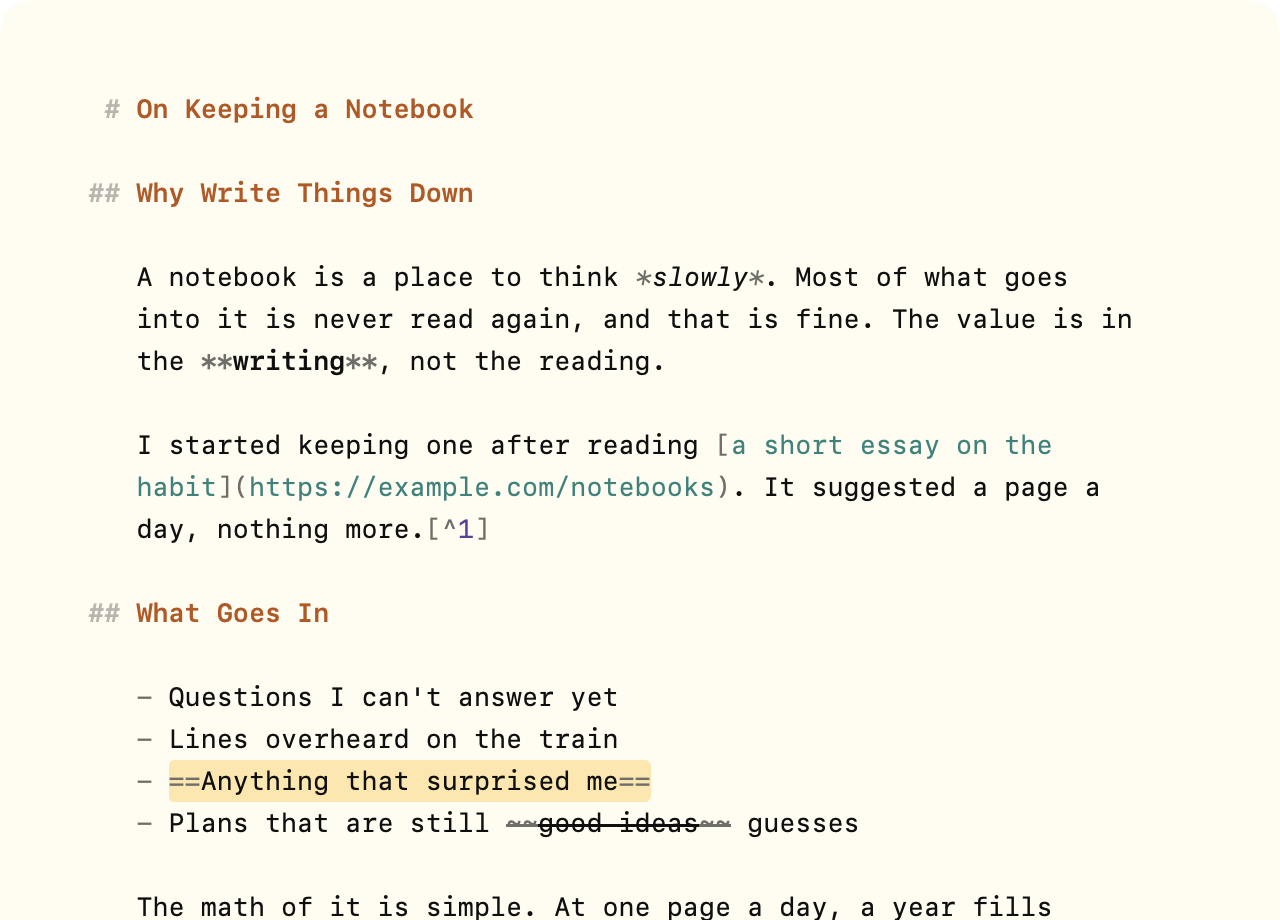
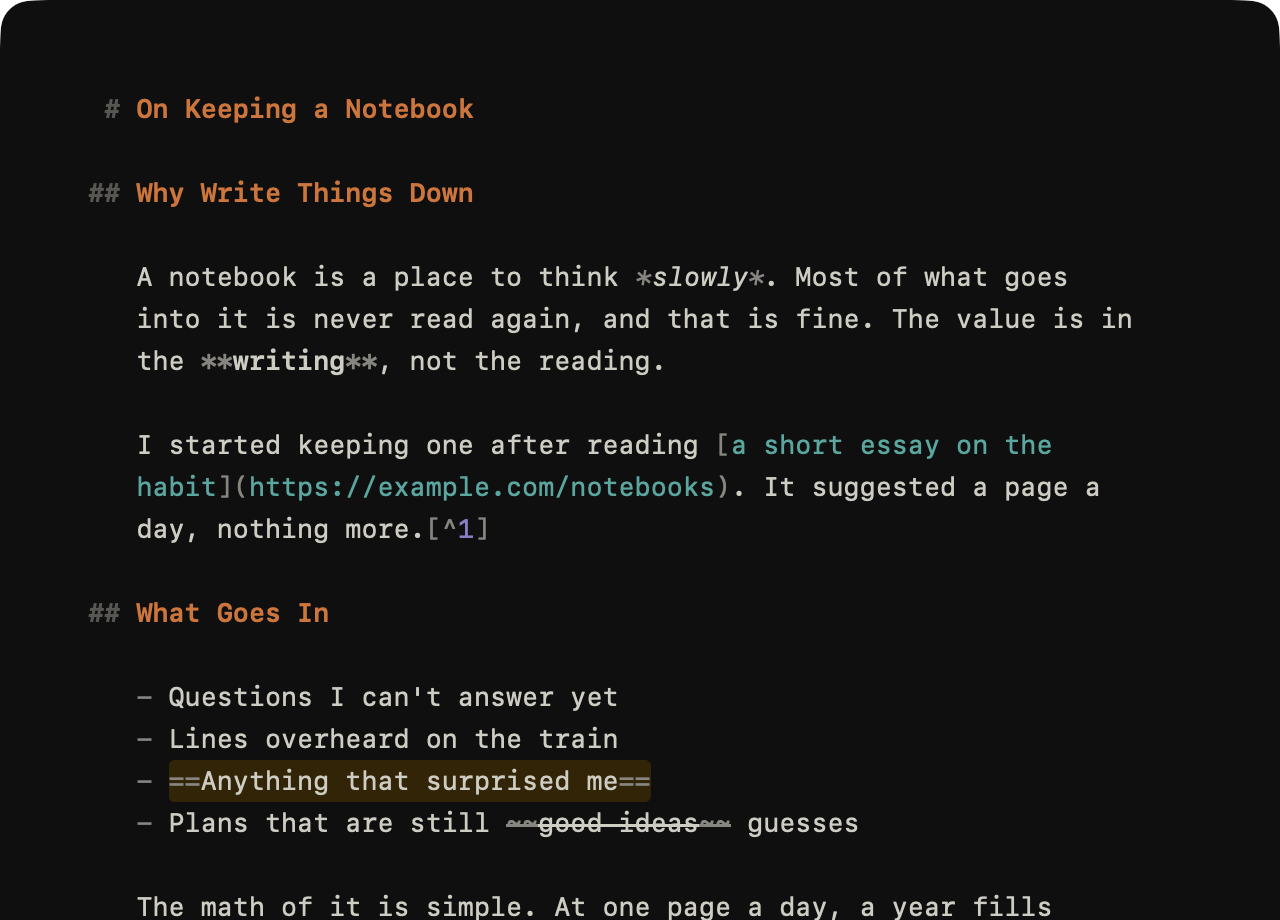
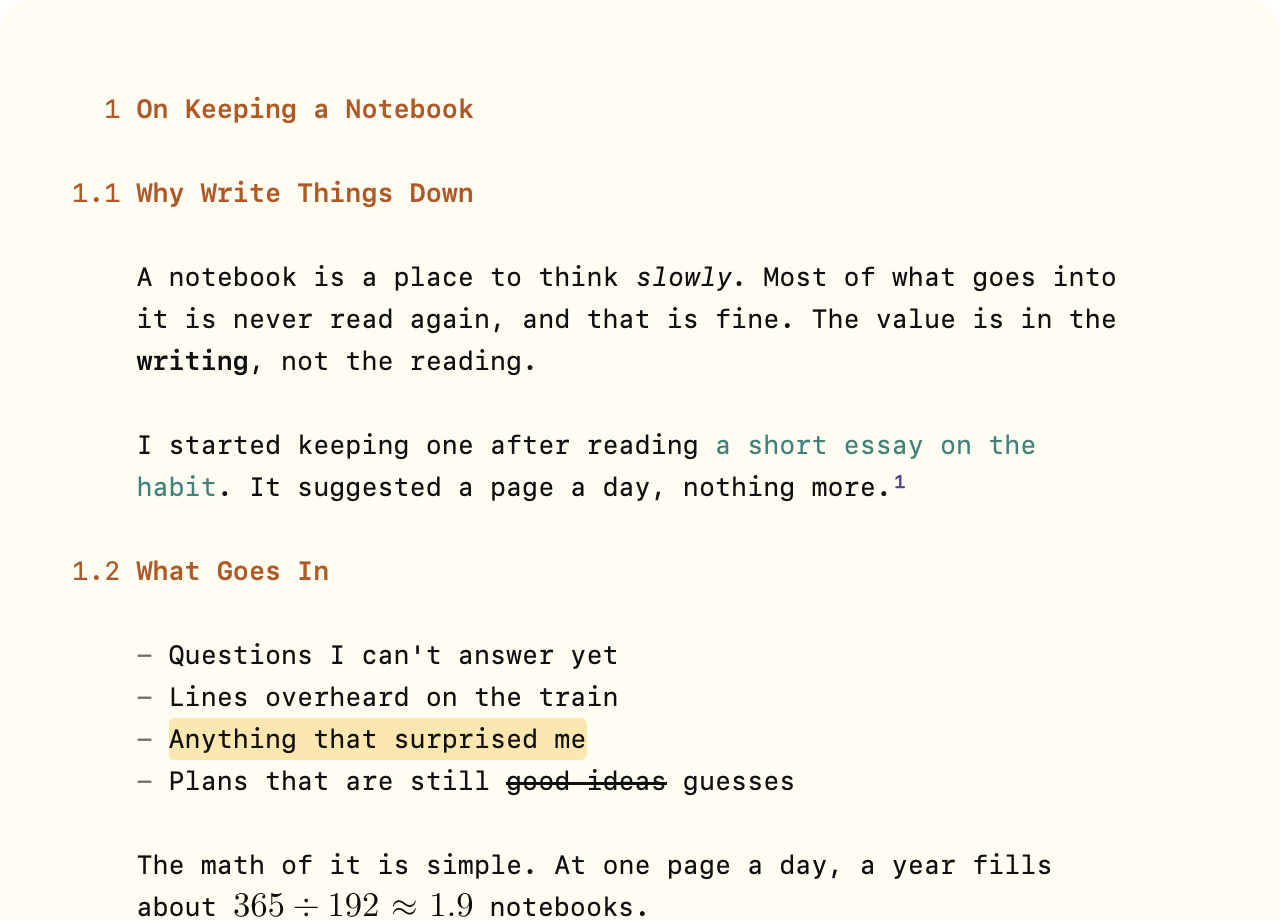
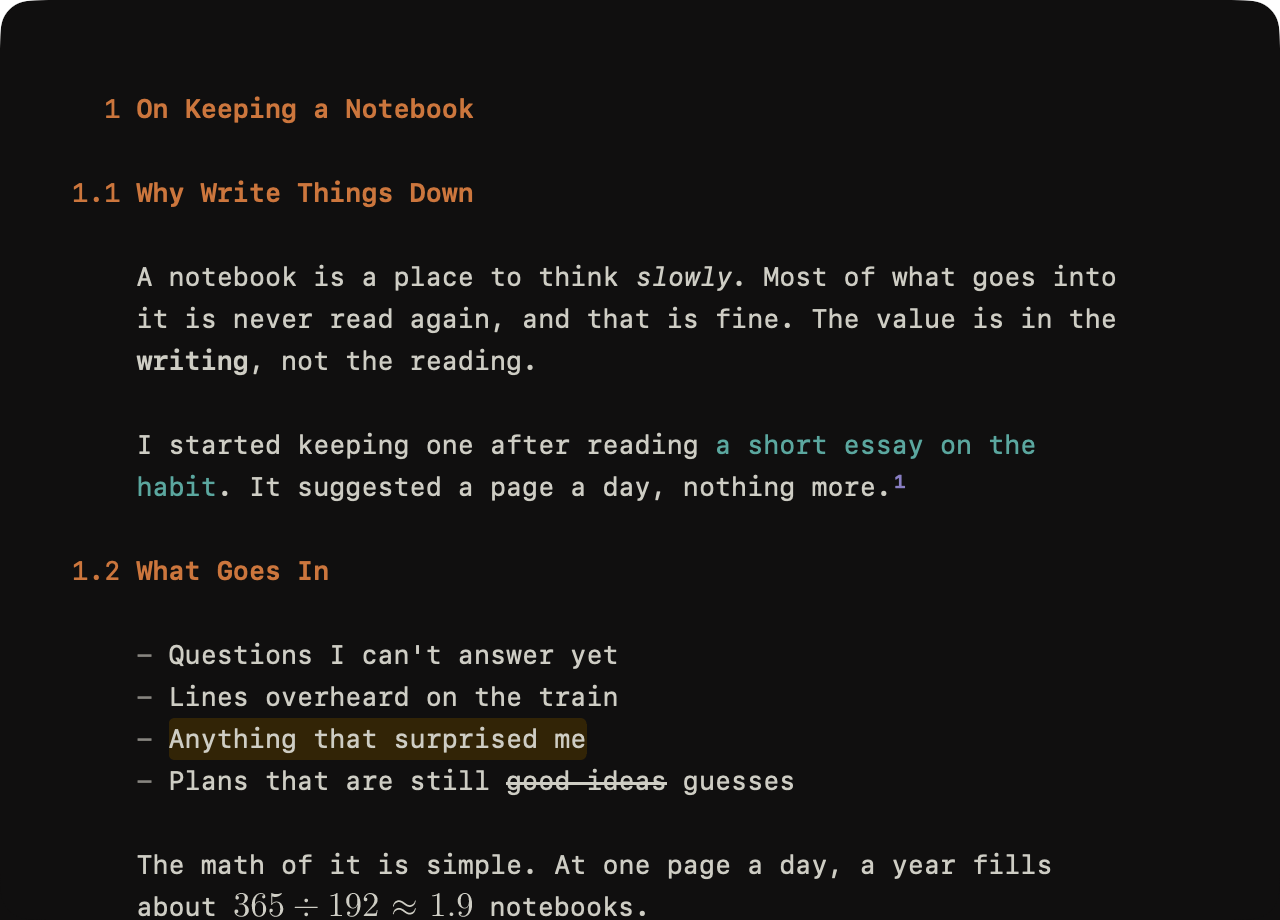
Live Preview hides Markdown marks until your caret reaches them, so **bold** reads as bold. It also draws what some marks describe: heading numbers, equations, images, and diagrams.
To choose what Live Preview shows
- WriteRoom > Settings > Markdown > Live Preview
Then check or uncheck:
- Hide formatting marks: emphasis, code, highlight, and strikethrough
- Hide link and footnote marks: a link shows only its text
- Number headings: a heading's
#marks show as its outline number, such as 2.1 - Typeset math, Show images, and Draw diagrams: see Images & Diagrams
All are on by default. Live Preview works in Markdown documents; plain text documents show every character.