Appearance
Settings
Open with WriteRoom > Settings… (Command-,).
How Settings Work
Settings apply to all of WriteRoom. Many are defaults for new windows. The View menu and This Window Settings change just the front window. A window keeps its changes when WriteRoom reopens it, and when you change Settings, until you Reset it.
| Setting | Change one window |
|---|---|
| Appearance and theme | View > Theme |
| Font size | View > Zoom In, Zoom Out |
| Line width | View > Line Width |
| Line numbers, sticky headings, minimap | View > Line Numbers, Sticky Headings, Minimap Scroller |
| Spelling and grammar underlines | Edit > Spelling and Checking > Highlight Spelling Errors, Highlight Grammar Errors |
This Window Settings
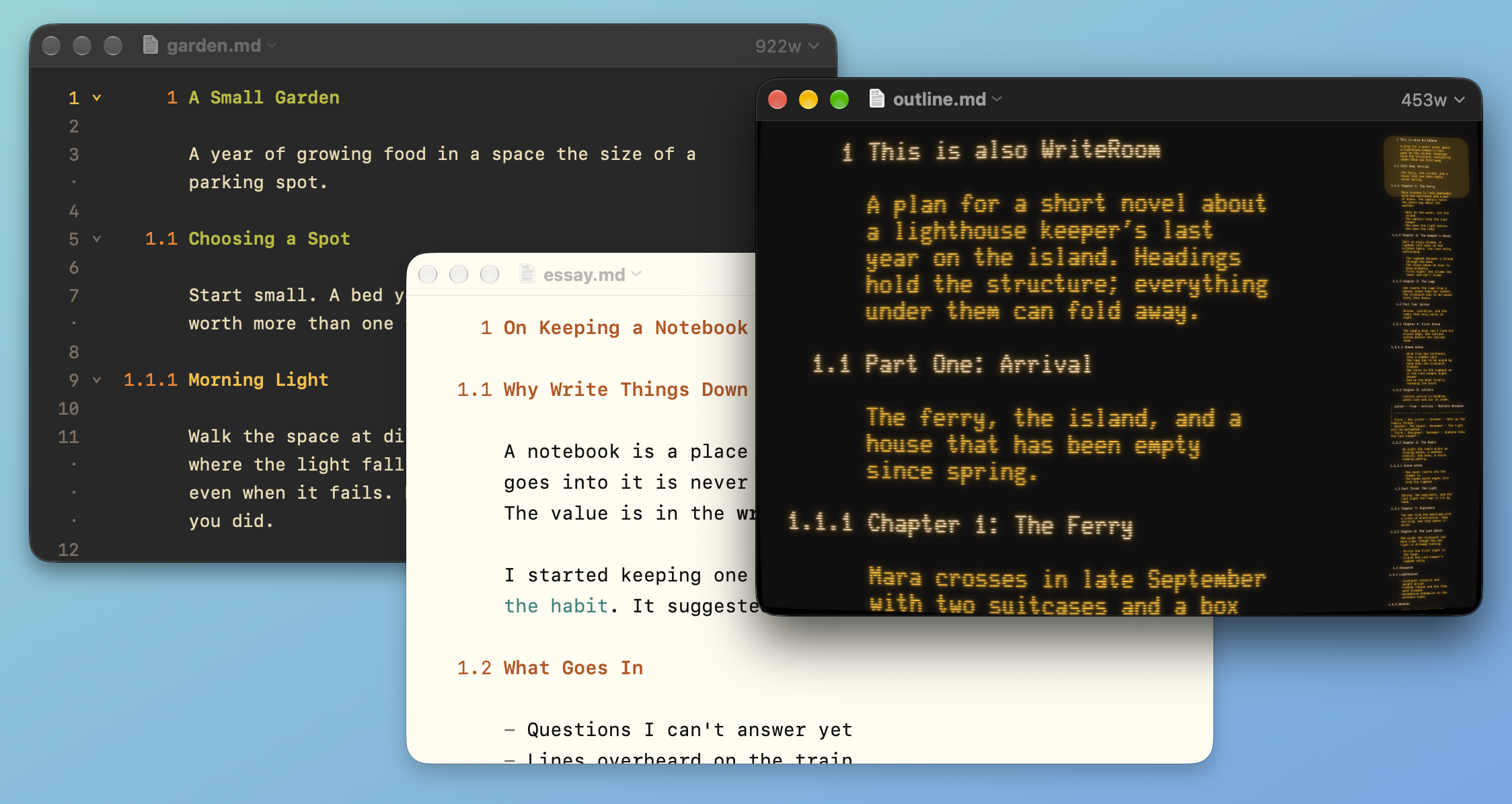
Each window can have its own theme, line width, and View settings. Change them from the View menu, or click the count in the title bar and use This Window Settings. The popover stays open, so you can try several themes or widths and watch the window change.
To make a window follow Settings again
- Click the count, then click Reset beside This Window Settings
Reset also turns off Writing Focus, Typewriter, and Heading Overview modes, and closes a split.
The Settings Window
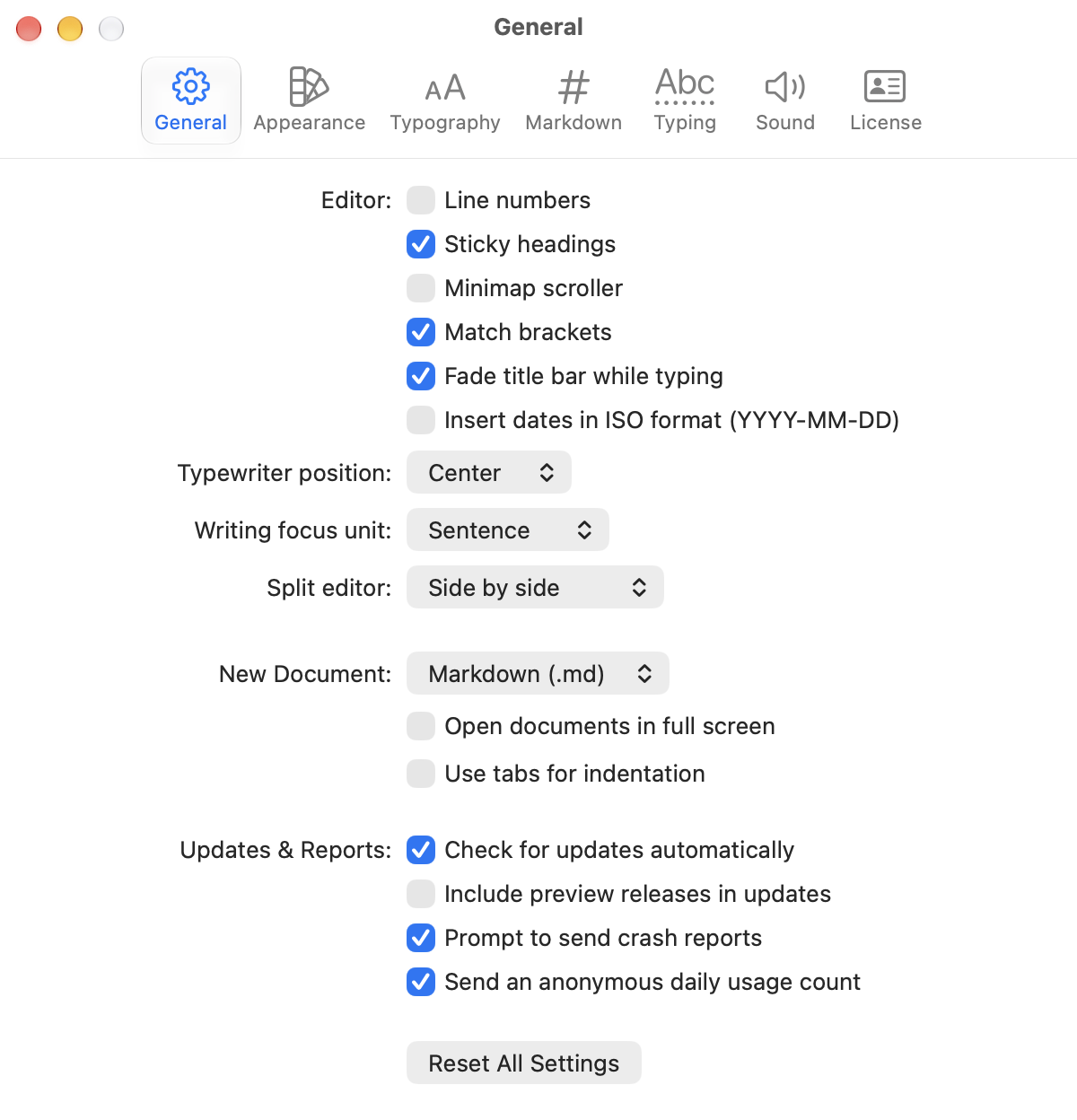
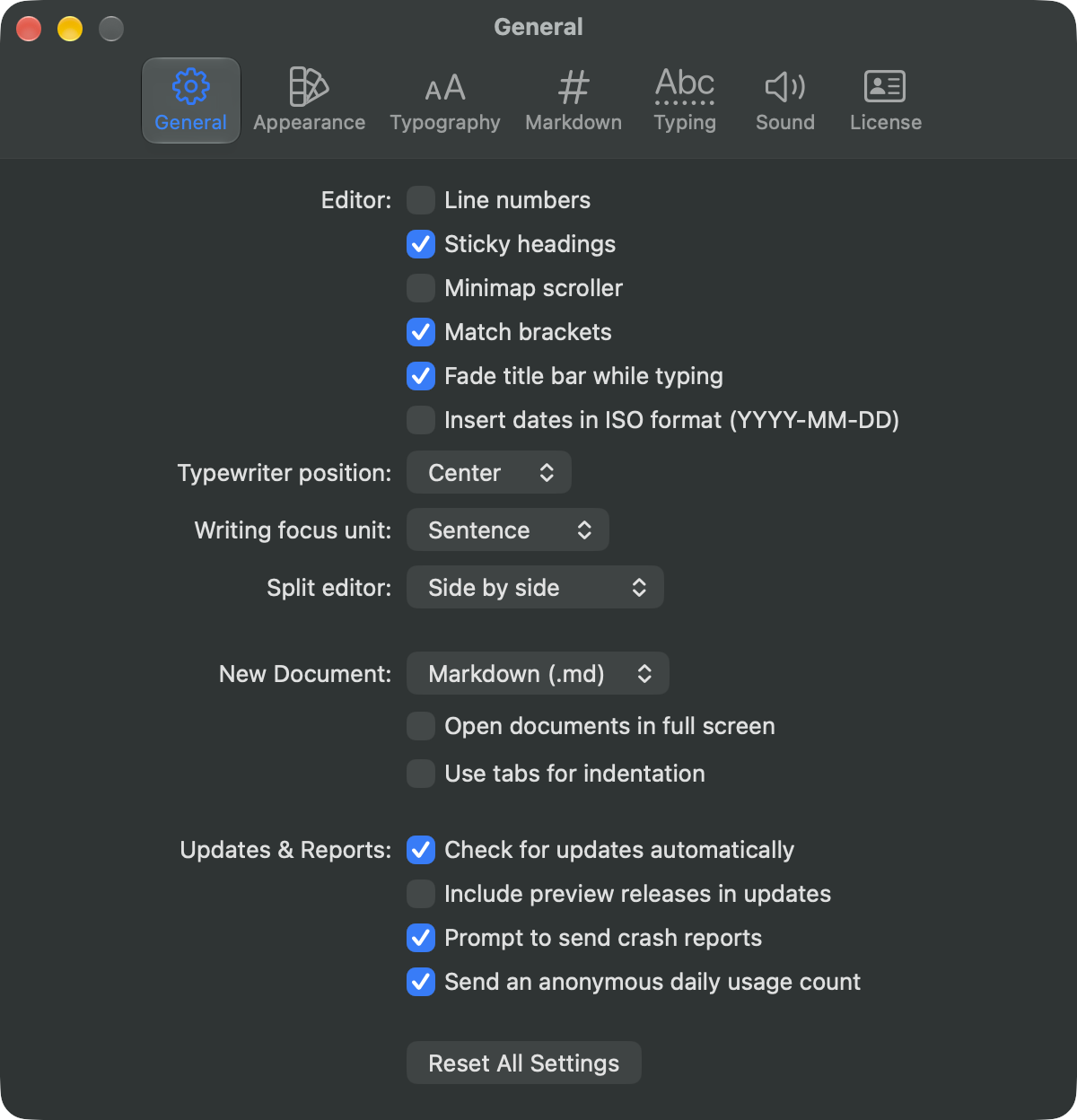
The Settings window has a pane for each part of WriteRoom:
- General: new windows and documents, modes, updates, and reports.
- Appearance: Auto, Light, or Dark, and the theme for each. See Using Themes.
- Typography: font, size, line height, and line width. See Typography.
- Markdown: lists, tables, the flavor, line breaks, and Live Preview.
- Typing: spelling, corrections, and auto-close. See Spelling & Grammar.
- Sound: typing and mouse sounds. See Typing Sounds.
- License: your license or trial. See Licensing.
Updates & Reports
The direct download version adds these to General. See Software Update for the update settings.
- Prompt to send crash reports: after a crash, WriteRoom asks the next time it opens whether to email me the report. On by default.
- Send an anonymous daily usage count: once a day, WriteRoom reports that it was used. It sends the product name and the days since its last report, nothing else. On by default.